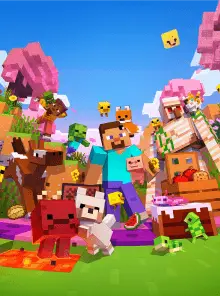
PokeBedrock brings Pokémon to Minecraft Bedrock through an addon and a free-to-access server. Its adventure uses PokéDollars, Masterballs and rare or legendary Pokémon. Players can protect and expand land using claim blocks.
Players and activity
Players online —Comparison unavailable
Average
267
Peak
438
Player history
Period
Measure
Typical day
DaysEvery day+
Average players per 30-minute slot
Frequently asked questions
How do I join PokeBedrock?+
To join PokeBedrock in Minecraft, use one of the addresses below in the game’s connection options. Check the server’s instructions for any requirements.
LostEra is a French-speaking Gens Tycoon launched in September 2024, according to its website and wiki. Progression combines generator development, resource gathering and a prestige system. Players can exchange LostCoins with one another. For the currently advertised V3, the operator states that the global reset retained ranks, cosmetics and LostCoins. The joining guide asks players to enable the resource pack for custom blocks, items and interfaces.
SwiftServers is a hub for discovering public servers created by other players, with shared Java and Bedrock access. The lobby offers fishing that pays credits and a parkour climb between visits. Hosted worlds can sleep while empty and restart when a player joins; the hub displays their position in the startup queue.