Rolven advertises Spanish-language roleplay in beta. Its guide lists PC and Android access: on a computer, GTA San Andreas and the SA:MP client are required; on Android, it directs players to the SA-MP Launcher available on Google Play.
Players and activity
Players online —Comparison unavailable
No measurements available for this selection.
Average
—
Peak
—
Player history
Period
Measure
Typical day
DaysEvery day+
Average players per 30-minute slot
Frequently asked questions
How do I join Rolven Roleplay?+
To join Rolven Roleplay in GTA San Andreas, use one of the addresses below in the game’s connection options. Check the server’s instructions for any requirements.
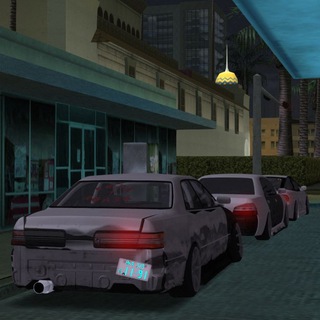
Wellsuch focuses on drifting in GTA San Andreas. Its garage saves up to ten vehicles with their tuning and colours. Races have lobbies, /ready confirmation, a timer and a leaderboard. Pizza deliveries and vehicle towing complement driving; /menu or /mn opens the main menu.
Arcane Community combines roleplay, Deathmatch, territory battles, robberies and events in GTA San Andreas. The network advertises a voice-chat system in its current presentation. Its SA-MP joining guide specifies client 0.3.7 and samp.arcane-ogc.com:7777.